Remote Work and Time Tracking: Challenges and Solutions
The New Reality: Work Without a Fixed Location
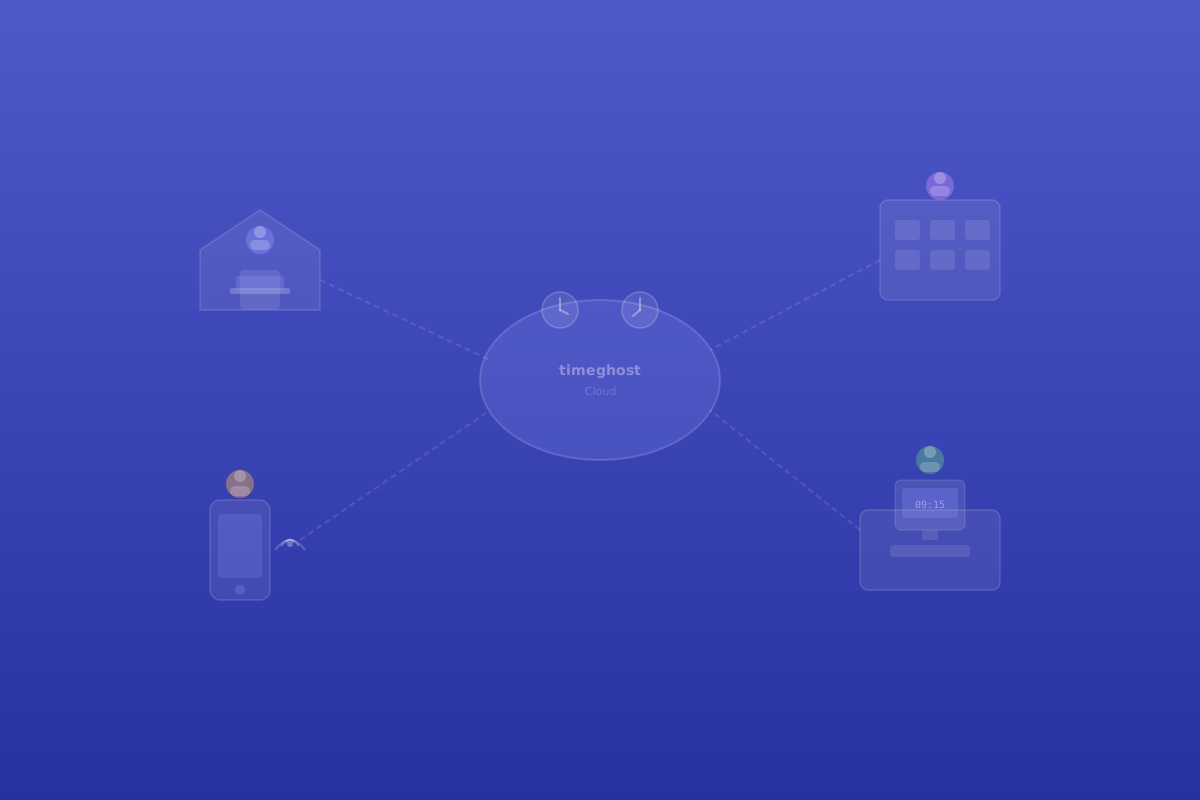
Remote work has become the standard for many companies. Teams work in a distributed manner, employees alternate between office and home office, and some work entirely remotely. This brings flexibility but also creates new demands for time tracking.
In the office, things were straightforward: You arrive in the morning, leave in the evening, and work in between. In the home office, these boundaries blur. When does working time begin when the laptop is on the kitchen table? Does the email at 9 PM count as working time? And how do you document breaks when nobody is watching?
Challenge 1: Boundaries Between Work and Personal Life
In the home office, many employees tend to work longer than in the office. Commuting time disappears, the transition to end of the workday is fluid, and constant availability via chat and email makes it hard to switch off.
Systematic time tracking helps in two ways:
- For employees: They see in black and white how much they actually work. Overtime becomes visible before it accumulates.
- For employers: They can identify overload early and take corrective action before burnout symptoms appear.
Challenge 2: Trust and Control
A common tension: How much control is necessary without employees feeling monitored? The answer lies in the type of time tracking.
What works:
- Self-recording: Employees document their time independently
- Automatic suggestions: The system recognises meetings and activities and suggests time entries
- Transparent rules: Clear agreements about what is recorded and why
What doesn't work:
- Mouse tracking and keyboard monitoring
- Screenshots at regular intervals
- Permanent presence checks via webcam
Time tracking should document, not surveil. This principle is particularly important for remote work.
Challenge 3: Different Time Zones and Work Patterns
With internationally distributed teams, an additional layer of complexity emerges: Employees work in different time zones, with different public holidays, and often with different working time models.
A good time tracking tool must handle this:
- Individual working time models per employee (full-time, part-time, flexitime)
- Time zone support for international teams
- Flexible core hours or fully asynchronous collaboration
- Local public holidays and leave regulations
The Solution: Time Tracking That Fits the Workflow
For remote teams, it is crucial that time tracking integrates seamlessly into existing work tools. Microsoft Teams is the central platform for many distributed teams — they chat, call, and collaborate there all day.
timeghost Time Tracking leverages exactly this advantage:
- Check-in/check-out directly in the Teams app, without switching to an external tool
- Automatic recognition of Teams meetings and Outlook appointments as working time suggestions
- Mobile recording via the Teams app on a smartphone
- Asynchronous use: Time entries can also be added retrospectively when the internet connection wasn't stable
Best Practices for Remote Time Tracking
Establish Clear Rules
Define together as a team:
- When does the workday begin and end?
- How are breaks documented?
- Do project times need to be recorded, or just total working hours?
- Who has access to which time data?
Build a Routine
Encourage employees to use check-in as a fixed morning ritual — like turning on the lights in the office. The routine helps to consciously begin and end the workday.
Managers Lead by Example
When team leaders consistently track their own time, adoption increases across the entire team. Leading by example is more effective than mandating.
Evaluate Regularly
Use the recorded data for constructive conversations: Is someone regularly working too much? Are tasks realistically planned? Does someone need support?
Conclusion: Remote Work Needs Smart Time Tracking
Time tracking for remote work is neither a vote of no confidence nor bureaucracy. Used correctly, it protects employees from overload, gives managers insight into team utilisation, and fulfils legal requirements along the way. The key lies in a tool that fits into the daily workflow rather than creating an additional administrative burden.
Sources and further information
- German Working Hours Act (ArbZG), §§ 3, 5 – maximum working hours and rest periods
- German Federal Labour Court (BAG), Decision of 13 September 2022, Ref. 1 ABR 22/21
- Work time tracking with timeghost Time Tracking
- Project time tracking for distributed teams
- Install in Microsoft Teams
Related Articles
- Time Tracking for Remote Teams: Essential Guide
- GDPR-Compliant Time Tracking: What Companies Need to Know
Content created with AI assistance and editorially reviewed. Current as of April 2026.
About the Author

timeghost Team
Editorial
Share article